



AppleCare+ is worth it if you own a high-value device or have a history of accidental damage, and usually not worth it for mid-range devices or careful owners who case their phone. The decision comes down to one question: how likely are you to crack your screen or need a repair?
AppleCare+ is Apple's extended warranty and accidental damage program. For an iPhone 17 Pro Max owner facing a costly out-of-warranty screen repair, the plan can pay for itself after a single incident. For someone who cases their phone religiously and has never broken a screen, the same plan may amount to two years of premiums with nothing to show for it. This article walks through the complete pricing, what is actually covered, and a clear framework for making the call.
Quick verdict:
- Get AppleCare+ if you own a flagship iPhone, MacBook Pro, or iPad Pro, have cracked a screen before, or rely on the device for work.
- Skip AppleCare+ if you consistently use a case and screen protector, own a mid-range or entry-level device, or already have electronics coverage through home or renters insurance.
- Lower the whole cost by buying refurbished first, which saves 15 to 40% up front whether or not anything ever breaks.
Table of contents
- What is AppleCare+?
- What is the difference between AppleCare and AppleCare+?
- What are the benefits of having AppleCare+?
- How much does AppleCare+ cost?
- AppleCare One: the multi-device option
- AppleCare+ key points
- Should you get AppleCare+?
- Conclusion: Save money with a better alternative
- FAQ
What is AppleCare+?
AppleCare+ is Apple's paid extended warranty program. It is available for all new Apple devices, including Apple Certified Refurbished products.
Every Apple device ships with a one-year limited hardware warranty and 90 days of complimentary technical support. AppleCare+ extends that coverage by an additional year (or two, for Macs and Apple Displays), while layering on two things the base warranty never includes: accidental damage protection and 24/7 priority support.
Key facts at a glance:
- Extends coverage to 2 years (most devices) or 3 years (Macs, Apple Displays)
- Covers up to two incidents of accidental damage every 12 months, subject to a service fee
- Includes battery service if the battery retains less than 80% of its original capacity
- Adds 24/7 priority access to Apple experts by phone or chat
- Available for iPhones as AppleCare+ with Theft and Loss, covering up to two theft or loss incidents per year for an additional fee
AppleCare+ with Theft and Loss requires that "Find My" was enabled on the device at the time of the incident.
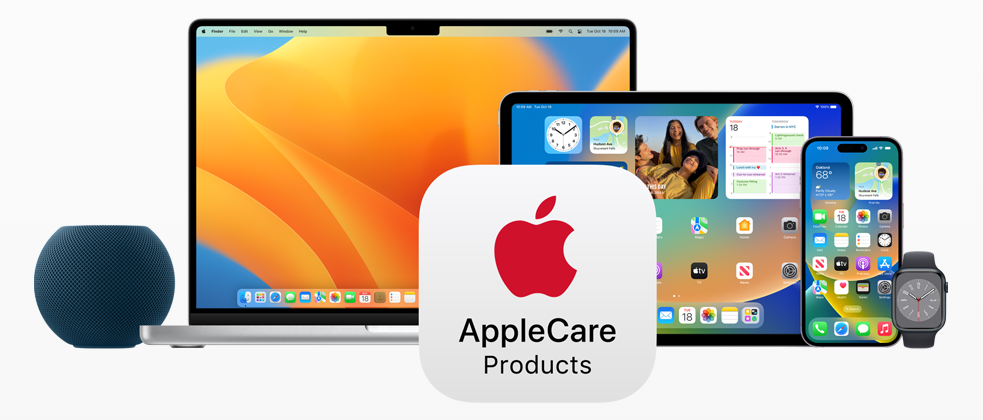
AppleCare products Image: Apple
What is the difference between AppleCare and AppleCare+?
AppleCare is the standard warranty that ships free with every Apple device. It covers hardware failures and manufacturing defects for one year and nothing more. If your MacBook develops a faulty keyboard or your iPhone has a display issue through no fault of your own, Apple fixes it at no charge. The warranty is also transferable if the device changes hands within that year.
AppleCare+ is a paid upgrade that broadens coverage in three meaningful ways: it extends the warranty period, adds accidental damage protection (which the base warranty explicitly excludes), and unlocks priority support channels.
The pricing for AppleCare+ varies by device and coverage tier, from $29 for two years on AirPods to $499 for three years on a Mac Pro.
| Coverage | AppleCare | AppleCare+ |
|---|---|---|
| Hardware repairs | ✔️ | ✔️ |
| Technical support | ✔️ | ✔️ |
| Software support | ✔️ | ✔️ |
| Warranty period | 1 year | 2 or 3 years |
| Accidental damage coverage | ❌ | ✔️ |
| Theft or loss coverage | ❌ | ✔️ (iPhone only, add-on) |
| Screen replacement fee | Full cost if not defective | $29 (front screen) |
| Battery replacement | Free only if defective | Free if below 80% capacity |
| Other accidental damage | Full out-of-warranty cost | $99 service fee |
| Incidents covered | N/A | 2 per 12 months |
| Coverage for accessories | N/A | ✔️ |
| Transferable | ✔️ | ✔️ |
What are the benefits of having AppleCare+?
These are the concrete benefits of an AppleCare+ plan:
- Extended warranty: 2 years for most devices, 3 years for Macs and Apple Displays.
- Accidental damage protection: up to two incidents per 12 months, subject to a per-incident service fee.
- Battery service: free replacement if the battery retains less than 80% of its original capacity.
- Theft or loss coverage: available for iPhones as an add-on; requires "Find My" to have been active.
- 24/7 priority support: direct access to Apple experts by phone or chat, at any hour.
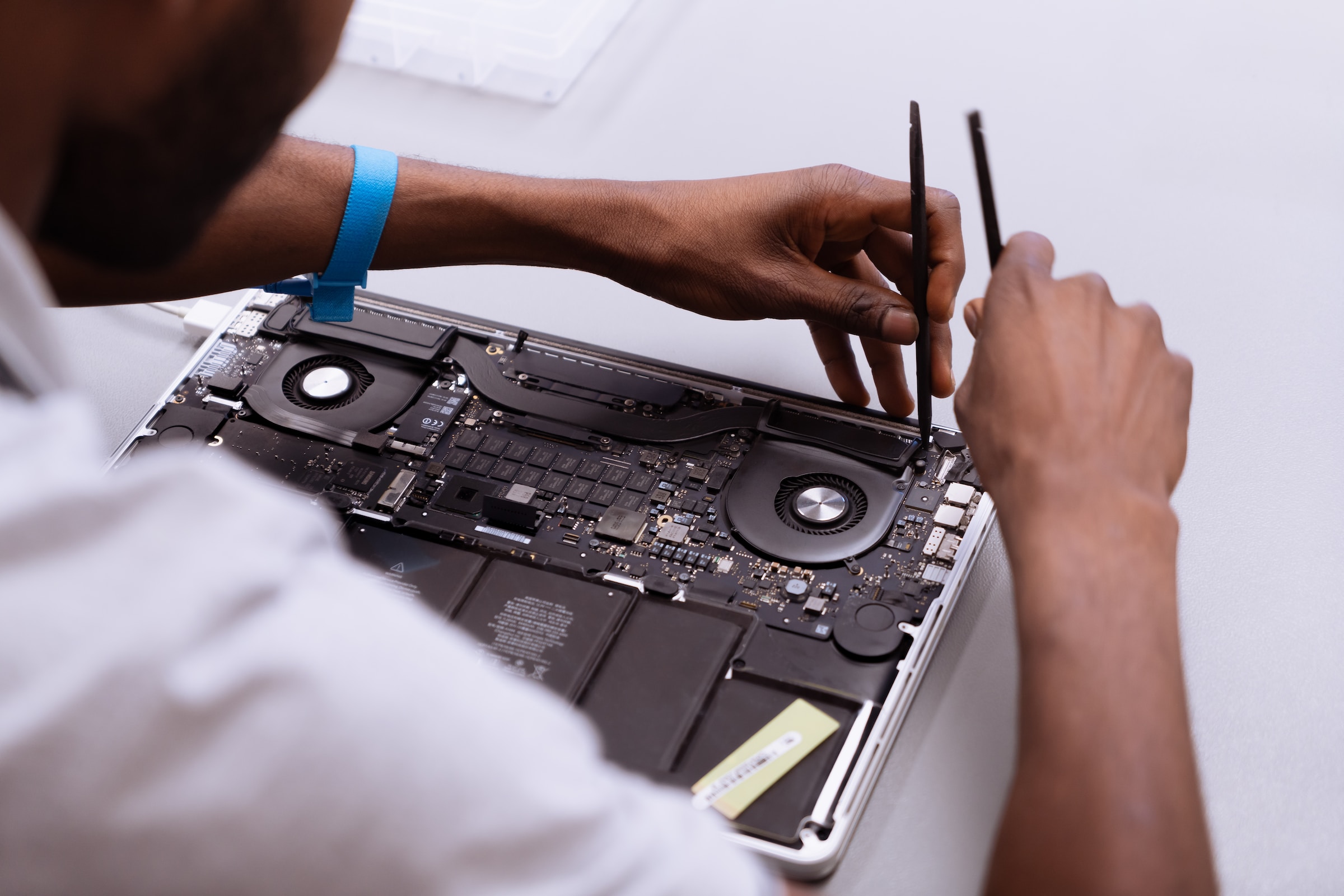
- Express Replacement Service: Apple ships a replacement device before you send in your damaged one (eligible devices only).
- Software support: includes help with macOS, iOS, and Apple's built-in apps and services.
- Transferability: remaining coverage follows the device if you sell it, which can improve resale value.
How much does AppleCare+ cost?
As a rule, AppleCare+ scales with the device price: the more expensive the product, the more expensive the plan. Most devices can be covered with a monthly subscription or a single upfront payment. Macs are billed annually or as a one-time fee for three years of coverage.
| Product | In installments | Total price |
|---|---|---|
| iPhone | From $7.99/month | From $149 for 2 years |
| iPad | From $3.49/month | From $69 for 2 years |
| Mac | From $34.99 annually | From $99 for 3 years |
| Apple Display | From $49.99 annually | From $149 for 3 years |
| Apple Watch | From $2.49/month | From $49 for 2 years |
| AirPods / Beats | N/A | From $29 for 2 years |
| Apple TV | N/A | From $29 for 3 years |
| HomePod | N/A | From $15 for 2 years |
How much does AppleCare+ for the iPhone cost?
The iPhone 17 lineup, launched in September 2025, brought updated AppleCare+ pricing. The standard and Air models are priced identically, while the Pro models carry a premium.
| Model | Monthly | 2 years | Monthly (+Theft and Loss) | 2 years (+Theft and Loss) |
|---|---|---|---|---|
| iPhone 16 | $7.99 | $149 | $11.49 | $219 |
| iPhone 16 Plus | $8.99 | $179 | $12.49 | $249 |
| iPhone 16 Pro | $9.99 | $199 | $13.49 | $269 |
| iPhone 16 Pro Max | $9.99 | $199 | $13.49 | $269 |
| iPhone 17 | $7.99 | $149 | $11.99 | $229 |
| iPhone 17 Air | $7.99 | $149 | $11.99 | $229 |
| iPhone 17 Pro | $9.99 | $199 | $13.99 | $269 |
| iPhone 17 Pro Max | $9.99 | $199 | $13.99 | $269 |
iPhone accidental damage service fees with AppleCare+:
- Front screen repair: $29
- Back glass repair: $29
- Other accidental damage: $99
- Theft or loss replacement: $149 per incident (up to 2 per 12 months)
Without AppleCare+, an out-of-warranty screen replacement for an iPhone 17 Pro Max costs significantly more, which makes the plan straightforwardly valuable for anyone who has cracked a screen even once.
How much does AppleCare+ for the iPad cost?
| Model | Monthly | 2 years |
|---|---|---|
| iPad | $3.49 | $69 |
| iPad mini | $3.49 | $69 |
| iPad Air 11‑inch (M3) | $3.99 | $79 |
| iPad Air 13‑inch (M3) | $4.99 | $99 |
| iPad Pro 11‑inch (M4) | $7.49 | $149 |
| iPad Pro 13‑inch (M4) | $8.49 | $169 |
How much does AppleCare+ for Macs cost?
Mac plans are billed annually or as a lump sum for three years. In the US, Apple now allows indefinite annual renewals after the initial three-year period, a change introduced in 2025 that makes continuous coverage possible for users who keep their Macs long-term.
| Model | Annually | 3 years |
|---|---|---|
| Mac mini | $34.99 | $99 |
| iMac | $59.99 | $169 |
| Mac Studio | $59.99 | $169 |
| MacBook Air 13‑inch (M3) | $69.99 | $199 |
| MacBook Air 15‑inch (M3) | $79.99 | $229 |
| MacBook Air 13‑inch (M4) | $69.99 | $199 |
| MacBook Air 15‑inch (M4) | $14.99/month | ~$539 |
| MacBook Pro 14‑inch | $99.99 | $279 |
| MacBook Pro 16‑inch | $149.99 | $399 |
| Mac Pro | $179.99 | $499 |
Mac accidental damage service fees with AppleCare+ depend on the model: $49 to $99 for screen or external enclosure damage, and $149 to $299 for all other damage.
How much does AppleCare+ for the Apple Display cost?
| Model | Annually | 3 years |
|---|---|---|
| Apple Studio Display | $49.99 | $149 |
| Pro Display XDR | $179.99 | $499 |
How much does AppleCare+ for the Apple Watch cost?
| Model | Monthly | 2 years |
|---|---|---|
| Apple Watch SE | $2.49 | $49 |
| Apple Watch Series 10 | $3.99 | $79 |
| Apple Watch Ultra 2 | $4.99 | $99 |
How much does AppleCare+ for AirPods and Beats cost?
| Model | 2 years |
|---|---|
| AirPods | $29 |
| AirPods Pro | $29 |
| Beats | $29 |
| AirPods Max | $59 |
AppleCare One: the multi-device option
Apple introduced AppleCare One as a household plan: a single $19.99/month subscription that covers up to three Apple devices simultaneously, with additional devices added for $5.99/month each. For families or individuals with multiple Apple products, this can be significantly cheaper than buying separate plans for each device.
AppleCare One includes the same accidental damage coverage and priority support as individual AppleCare+ plans, and it auto-renews monthly, which makes it easy to add or drop coverage as devices change.
AppleCare+ key points
- Extended warranty for 2 years (most devices) or 3 years (Macs, Apple Displays).
- Covers hardware failures and factory defects beyond the standard one-year warranty.
- Covers up to two accidental damage incidents every 12 months, subject to a service fee.
- Battery service is included if capacity drops below 80% of original capacity due to a defect, not normal aging.
- Each incident triggers a service fee ($29 for iPhone screens, $99 for other damage on iPhones, $49 to $299 on Macs depending on the damage and model).
- AppleCare+ with Theft and Loss is available for iPhones, covering up to two theft or loss incidents per year.
- Includes 24/7 priority access to Apple support by phone or chat.
- Covers software support for macOS and iOS, including Apple's own apps.
- Transferable: if you sell your device, the remaining coverage transfers to the new owner, which can support a higher resale price.
- Can be purchased at the time of sale or within 60 days of the original purchase date.
- Plans are per device, so each device needs its own plan, unless you use AppleCare One.
- In the US, Mac coverage can now be renewed indefinitely after the initial three-year plan via annual auto-renewal.
- AppleCare+ is also available for Help Desks, IT Departments, and Enterprises.
Should you get AppleCare+?
There is no universal answer, but there is a clear framework.
The math favors AppleCare+ when:
- You own a high-value device such as an iPhone 17 Pro Max, a MacBook Pro 16-inch, or an iPad Pro, where a single repair can cost hundreds of dollars more than the plan itself.
- You have a history of accidental damage: cracked screens, dropped devices, liquid incidents.
- You rely on your device for work, and downtime would cost you more than the plan fee.
- You plan to sell the device, since transferable coverage can meaningfully increase resale value.
The math works against AppleCare+ when:
- You consistently use a protective case and screen protector and have never broken a screen.
- Your device is mid-range or entry-level, where paying $69 to $99 for AppleCare+ on a $329 iPad may not be rational.
- You already carry homeowner's or renter's insurance that covers electronics, since many policies include accidental damage at a lower marginal cost.
- You prefer to self-insure by setting aside the premium amount each month.
For context: Apple will replace the screen of an iPhone 17 without AppleCare+ for a price that, in many cases, exceeds the cost of a two-year plan. If you have cracked a screen before, even once, the plan typically wins on pure math. If you have never cracked a screen in five or ten years of iPhone ownership, paying for the plan represents a transfer of risk you have consistently managed on your own.
The clearest cases for skipping AppleCare+ are devices like Apple TVs and HomePods, where accidental drop damage is far less likely than with a pocket-sized phone or a daily-carry laptop.
Conclusion: Save money with a better alternative
There is a fundamentally different way to reduce your Apple spending, one that does not depend on whether you break your device: buying refurbished.
A refurbished Apple device has been returned, inspected, repaired to factory spec, and relisted, typically at 15 to 40% below the new price. The savings on a refurbished MacBook or refurbished iPhone often exceed what AppleCare+ would cost over two or three years, and you get that discount regardless of whether anything ever goes wrong. The two approaches are not mutually exclusive, since you can buy refurbished and still add AppleCare+, but refurbished savings do change the calculus considerably.
Refurbishers listed on RefurbMe all carry a professional warranty. For buyers who want to go deeper on warranty comparisons, our refurbisher warranty specs comparison shows exactly what each seller covers and for how long.
Compare live deals on refurbished Apple products right now:
FAQ
Last updated: Jun 29, 2026 · First published: Oct 18, 2024